Your easiest sale is often the second item in an order that's already happening. A matching item, a bigger pack or a refill for later can turn a one-item order into a larger one, and you've already paid to bring that customer in.
Upselling helps retention as well as revenue. A bigger first order makes each new customer more profitable from the start, and an offer after checkout reaches people who have just bought from you, when they're most engaged with your brand.
On Shopify, an upsell app adds these offers to your product pages, cart, checkout and post-purchase pages without a developer. Most have a free or low-cost plan to start on.
We've rounded up the best upsell apps for Shopify brands. For each one, you'll see where it places offers, what it costs and the kind of store it suits. After the list, we look at where offers tend to work best and how the prices compare as your store grows.
What are the best upsell apps for Shopify?
The best upsell apps for Shopify brands include Upsell.com (formerly ReConvert), Zipify OneClickUpsell, Candy Rack and Wiser.
Upsell.com, OneClickUpsell and Candy Rack cover the whole purchase, from the product page and cart through to one-click offers after payment. Wiser adds AI recommendations across the store, the post-purchase pages and email, while Essential Upsell covers the product page, cart and post-purchase offers.
The apps also charge in different ways. Candy Rack and Wiser price by your monthly order count, Upsell.com by orders or upsell revenue (whichever is higher), and OneClickUpsell and Essential Upsell by the upsell revenue they bring in. Every app here has a free plan, a free allowance or a free trial to start.
The table compares their ratings and entry prices, with the kind of store each one suits.
| App | Rating, November 2026 | Starting price, November 2026 | Best for |
|---|---|---|---|
| Upsell.com (formerly ReConvert) | 4.8 from 3,142 reviews | Free up to 50 orders a month | Brands that want offers at every step, from product page to order status page |
| Zipify OneClickUpsell | 4.6 from 579 reviews | $9.95/month | Brands that want every placement and would rather pay on upsell revenue |
| Candy Rack | 4.9 from 269 reviews | $29.99/month | Brands that want every placement plus a cart drawer, with no share of upsell sales |
| Wiser | 4.9 from 564 reviews | Free up to 50 orders a month | Larger catalogs that need AI recommendations across the store and email |
| Essential Upsell & Cross Sell | 5.0 from 2,505 reviews | Free up to $100 in upsell revenue a month | Smaller stores that want to start on a free plan |
1. Upsell.com (formerly ReConvert)
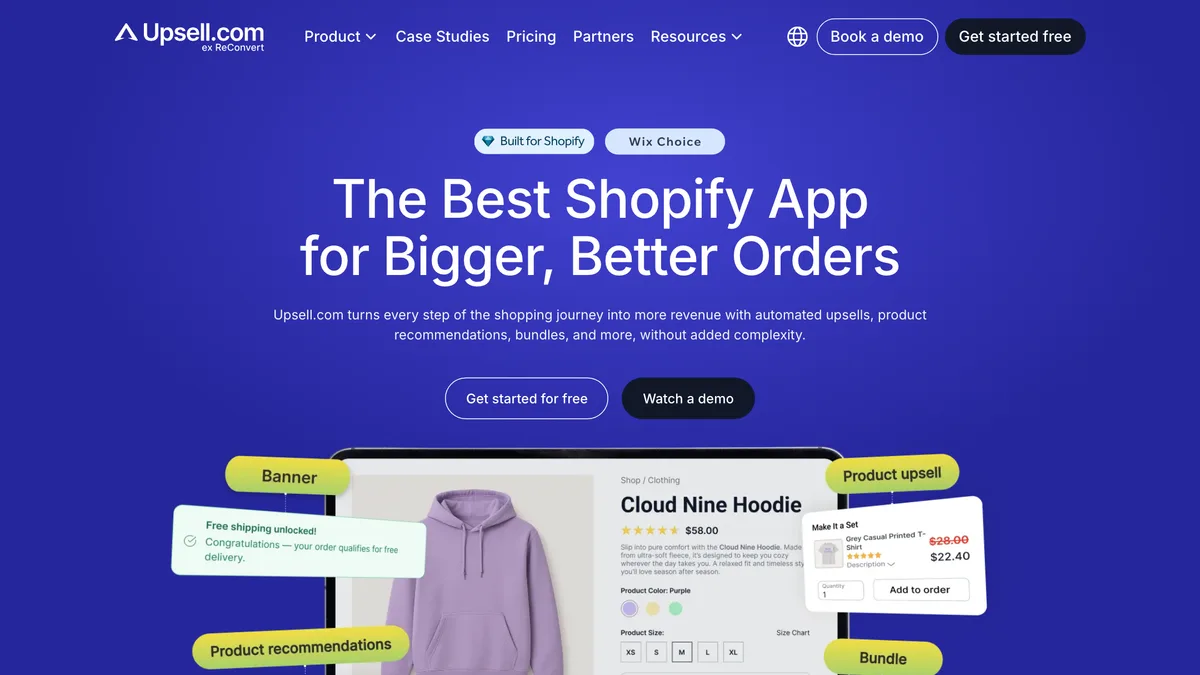
Upsell.com, the Shopify upsell app previously called ReConvert, places offers on the product page, the cart page and drawer, the checkout, a one-click post-purchase page, the thank-you page and the order status page. Checkout offers need Shopify Plus; the rest work on any plan.
Its offers after checkout can follow on from each other, so you can build a sequence: thank-you and order status offers change depending on whether the customer took an earlier offer.
The order status page also gets return visits while a package is in transit, so an offer there can be seen more than once. Upsell.com works with Shopify Subscriptions and Klaviyo and includes A/B testing.
BJJ Fanatics, which sells Brazilian jiu-jitsu instructionals and gear, generated an extra $452,288 in Q4 from thank-you page upsells, with an 11.56% conversion rate, according to Upsell.com's case study.
- Pricing, November 2026: Free up to 50 orders a month, then from $9.99 a month, rising with your monthly orders or upsell revenue, whichever is higher, to $899 a month and up, with a 14-day free trial
- Shopify App Store rating, November 2026: 4.8 from 3,142 reviews
- Best for: Shopify brands that want one app covering every step of the purchase, from the product page to the order status page
2. Zipify OneClickUpsell
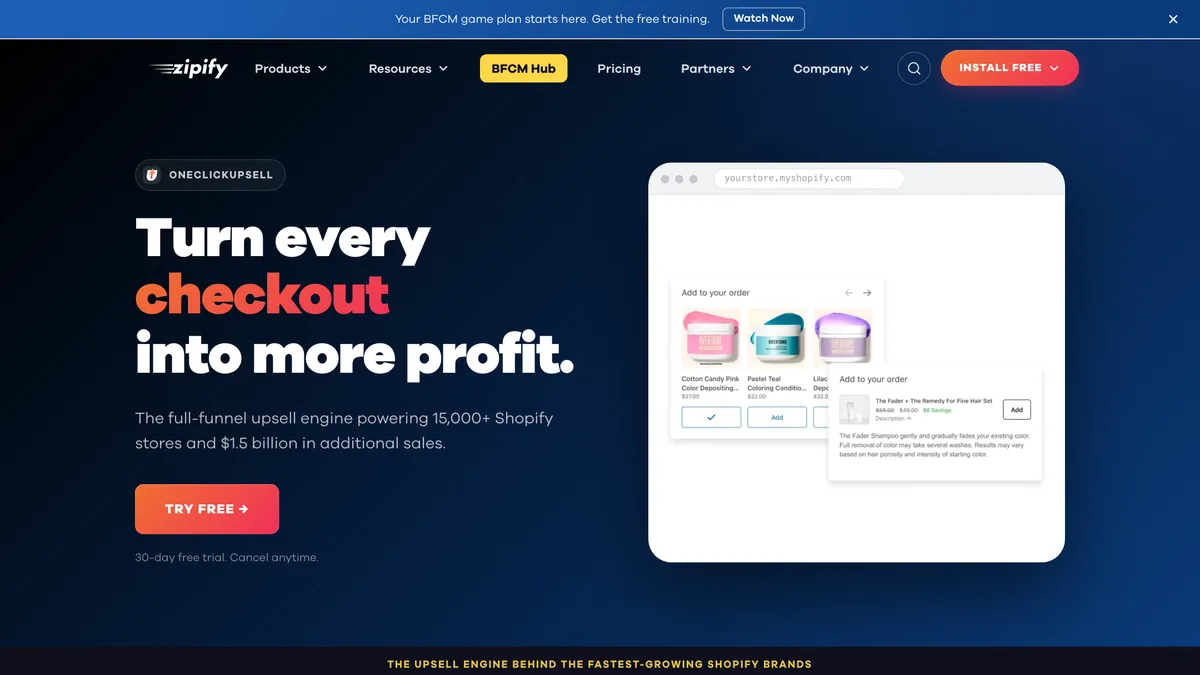
OneClickUpsell (OCU), from Zipify, puts product page offers, pre-purchase pop-ups, a slide cart drawer, Shopify Plus checkout offers, one-click post-purchase upsells and thank-you page offers in a single plan. Its price rises with the upsell revenue it brings in rather than with your order count.
Dynamic AI offers pick products from your store's data, with built-in A/B testing and targeting by product, cart value and customer tags. OCU also integrates with Recharge, Skio, Appstle and Loop, so you can offer one-time buyers a subscription as they check out.
D'IYANU, a fashion brand on Shopify Plus, generated $43,961.78 in upsell revenue over three months on OCU while working with a dedicated Zipify success manager, according to a 2025 Zipify case study.
- Pricing, November 2026: one Unlimited plan from $9.95 a month (up to $200 a month in upsell revenue), rising in steps with upsell revenue to a cap of $999 a month, with a 30-day free trial
- Shopify App Store rating, November 2026: 4.6 from 579 reviews
- Best for: brands that want every placement in one app and would rather pay on upsell revenue than order volume
3. Candy Rack
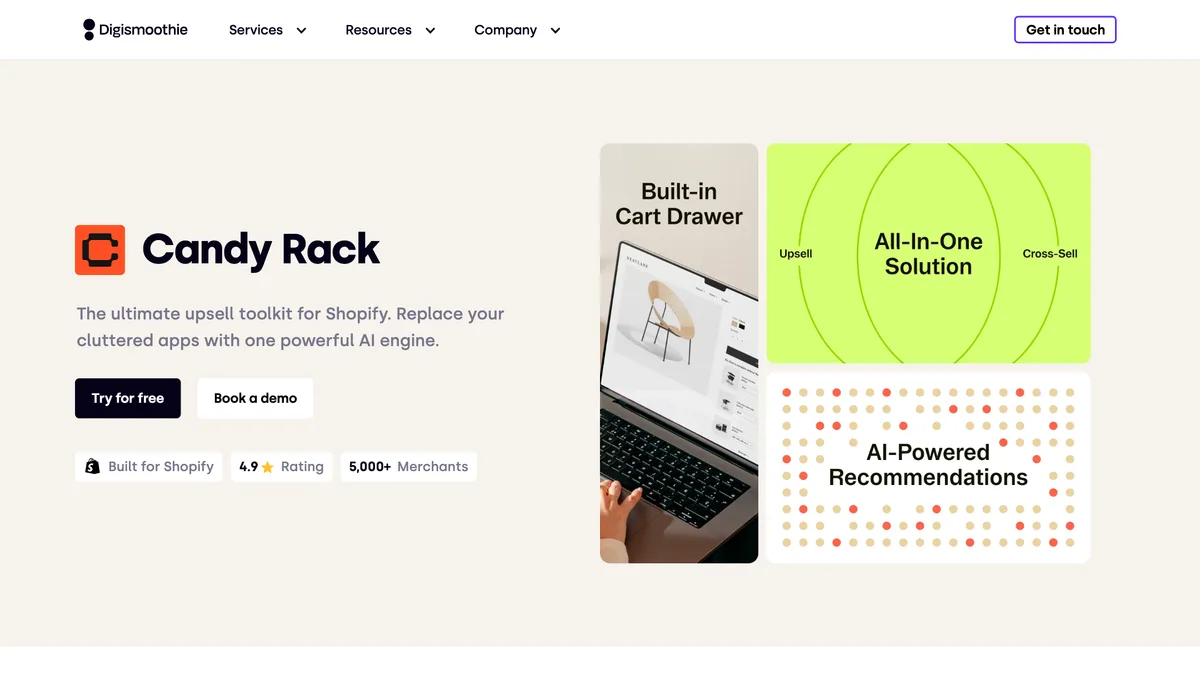
Candy Rack, from Shopify agency Digismoothie, shows offers on the product page, in its own slide cart, at checkout on Shopify Plus, on a one-click post-purchase page and on the thank-you and order status pages.
Its price is a flat monthly fee based on your store's order count, with no commission on upsell sales. Product page offers include quantity breaks and an add-to-cart pop-up.
AI mode picks offers using Candy Rack's own engine, Google Gemini or Shopify's product recommendations. The slide cart has a rewards bar for free shipping or a free gift, and $0 add-ons let you send samples or product manuals with an order.
Phone accessories brand ohsnap made $44k in 30 days with Candy Rack cross-sells in 2021, according to Digismoothie.
- Pricing, November 2026: Lite $29.99 a month for up to 50 orders a month, rising with your order count to $399.99 a month for 5,000+ orders and Enterprise pricing by quote, with an 8-day free trial and a 60-day money-back guarantee
- Shopify App Store rating, November 2026: 4.9 from 269 reviews
- Best for: brands that want offers across the whole purchase plus a cart drawer, for a fee that doesn't grow with upsell sales
4. Wiser
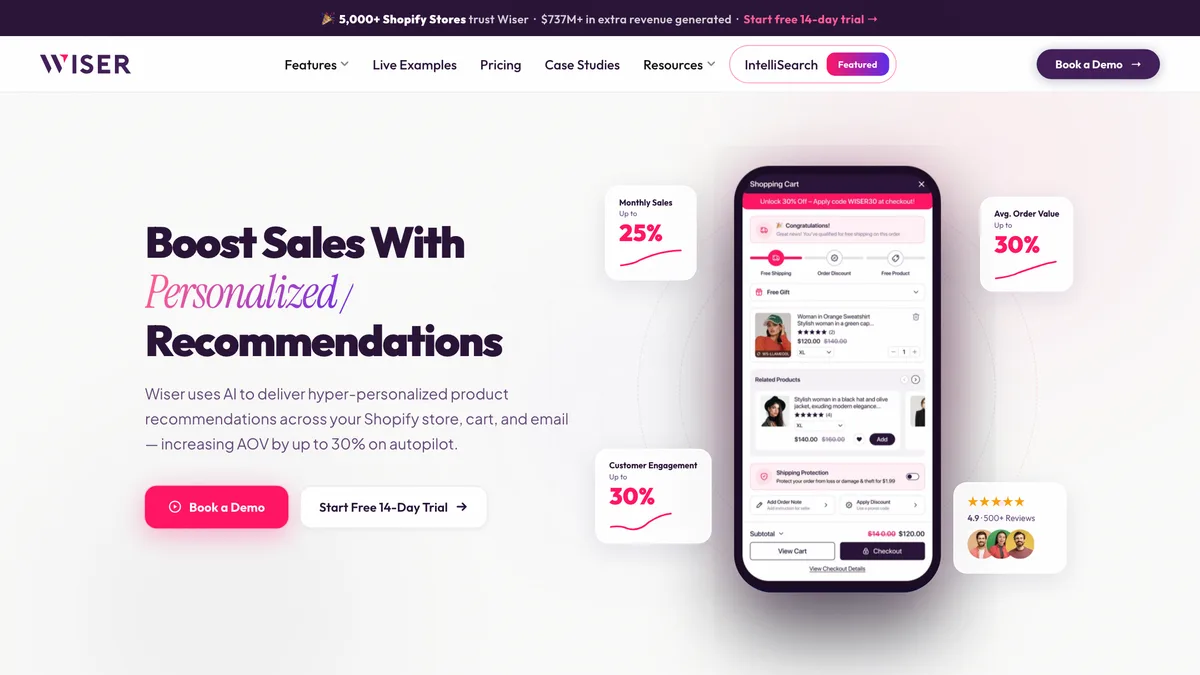
Wiser is an AI recommendation and upsell app. It adds frequently bought together, related products, recently viewed and Shop the Look widgets across your store. It also places offers in the cart, at Shopify Plus checkout, on the post-purchase page and on the thank-you and order status pages.
Its recommendations also reach beyond the store. Wiser adds personalized product blocks to Klaviyo and Mailchimp post-purchase flows, and can surface consumables and complementary items around the time customers are likely to reorder.
Its Enterprise plan adds an advanced cart drawer, tiered cart discounts and upsell recommendations at checkout.
Wooden Ships, a knitwear brand on Shopify Plus, made $37,000+ in additional revenue from product page recommendations alone, according to Wiser.
- Pricing, November 2026: Free up to 50 orders a month, then from $9 a month, rising with your order count to $199 a month for up to 2,000 orders, with a custom Enterprise plan above that and a 14-day free trial
- Shopify App Store rating, November 2026: 4.9 from 564 reviews
- Best for: brands with large catalogs that want AI recommendations across the store, the post-purchase pages and email
5. Essential Upsell & Cross Sell
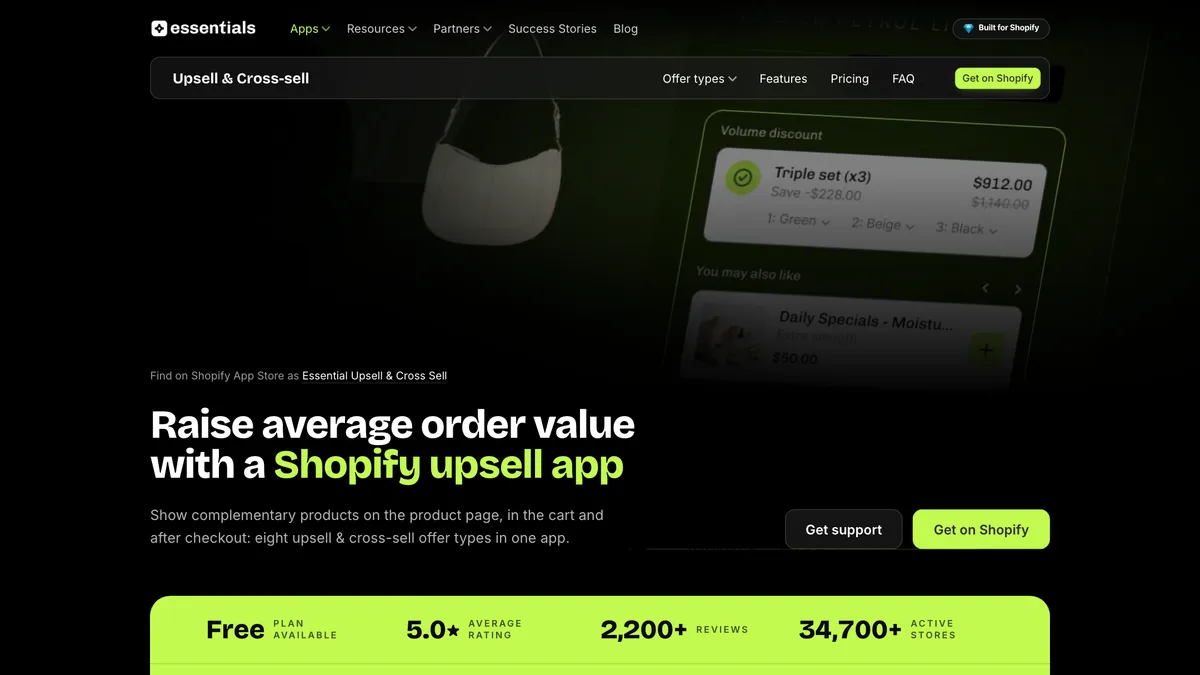
Essential Upsell & Cross Sell, from Essential Apps, adds product page upsells, frequently bought together and related products, product add-ons and bundles. It also adds offers to the cart and cart drawer, plus one-click offers after checkout.
Offers can be triggered by product, cart value or category, and can carry automatic discounts. The free plan covers product page and post-purchase offers, so a smaller store can test upsells before paying for them. Cart and cart drawer offers start on the $19.99 Essential plan.
- Pricing, November 2026: Free up to $100 in added revenue a month, then from $9.99 a month, rising with the revenue the app adds to $149.99 a month above $10,000, with a 14-day free trial on your first paid plan
- Shopify App Store rating, November 2026: 5.0 from 2,505 reviews
- Best for: smaller Shopify stores that want product page, cart and post-purchase offers on a free or low-cost plan
Where upsell apps place offers
Shopify upsell apps can show offers at five main points in a purchase, from the product page to the order status page a customer checks while waiting for delivery. The apps in this guide cover most of them, so the question is which placements you want to use.
| Placement | When shoppers see it | Suits | Apps in this guide |
|---|---|---|---|
| Product page | While deciding what to buy | Bundles, add-ons and quantity breaks | Upsell.com, OneClickUpsell, Candy Rack, Wiser, Essential Upsell |
| Cart and cart drawer | After adding to cart, before checkout | Small add-ons and free-shipping or gift thresholds | Upsell.com, OneClickUpsell, Candy Rack, Wiser, Essential Upsell |
| Checkout | During checkout, on Shopify Plus only | One relevant add-on | Upsell.com, OneClickUpsell, Candy Rack, Wiser |
| Post-purchase page | After payment, before the thank-you page | One-click offers with no need to re-enter payment details | Upsell.com, OneClickUpsell, Candy Rack, Wiser, Essential Upsell |
| Thank-you and order status pages | Right after the order, and again when checking delivery | Products for the next order, bought through a new checkout | Upsell.com, OneClickUpsell (thank-you page), Candy Rack, Wiser |
Offers before payment, on the product page, cart and checkout, raise the size of the order the shopper is building. Among stores using Candy Rack, product page and cart offers also converted best.
Digismoothie, which makes Candy Rack, published upsell benchmarks from 3,199 Shopify stores using the app between January and August 2026. In that data, the median take rate (upsells sold as a share of offer views) was 2.4% for product page pop-ups, against 0.3% for one-click post-purchase offers.
Median upsell take rate by placement in Candy Rack stores, January to August 2026
Upsells sold as a share of offer views, Shopify stores using Candy Rack
Offers before payment also sit in the way of the purchase, so an irrelevant one can cost you the sale. Keep them relevant and easy to skip, so checkout itself stays fast.
Offers after payment work differently. The order is already placed, so a post-purchase offer can't lose you the sale. In the Candy Rack data, post-purchase offers converted far less often than product page pop-ups, but every sale they make is extra.
The thank-you and order status pages also reach customers who have just bought from you. Those pages are the natural place for offers aimed at the next purchase: a refill, a matching item or an accessory for what they just ordered.
How much do Shopify upsell apps cost?
On published pricing in November 2026, Shopify upsell apps range from free plans to about $1,000 a month. A store with up to 500 orders a month will pay $60 a month or less for most of the apps in this guide.
The price depends on your monthly order count or, for some apps, the upsell revenue the app brings in.
| App | Entry plan, November 2026 | Highest published plan | Price based on |
|---|---|---|---|
| Upsell.com | Free (up to 50 orders) | Elite from $899/month, then custom | Orders or upsell revenue, whichever is higher |
| Zipify OneClickUpsell | $9.95/month | $999/month (cap) | Upsell revenue |
| Candy Rack | $29.99/month | $399.99/month, then by quote | Store orders |
| Wiser | Free (up to 50 orders) | $199/month, then custom | Store orders |
| Essential Upsell & Cross Sell | Free (up to $100 in upsell revenue) | $149.99/month, then custom | Upsell revenue |
The two pricing models suit different stores. Order-based pricing is predictable, but you pay for every order, whether or not anyone took an offer.
Revenue-based pricing, used by OneClickUpsell and Essential Upsell, ties the bill to what the app actually brings in. It suits stores that are still finding out how well upsells work for them.
On November 2026 prices, a store with 300 orders a month that makes $800 from upsells would pay $49 a month for OneClickUpsell, $59.99 for Candy Rack, $19.99 for Essential Upsell and $19 for Wiser.
What matters is how each price compares with the lift in average order value the offers bring. Check which placements each plan includes, too, since cart and checkout offers sometimes start on a higher plan.
How to choose an upsell app
The right upsell app covers the placements you'll actually use, at a price that makes sense for your order volume. So decide where you want offers to appear before you compare apps, and remember that offers inside checkout need Shopify Plus.
Then install your shortlist on a free plan or trial and check every widget against your theme on a phone, not just on desktop. An offer that looks tidy on a wide screen can crowd a product page on a small one.
Start with a few relevant offers and A/B test them, rather than switching on every placement at once. Track upsell revenue and average order value alongside your conversion rate, so you can see whether the offers add to orders without costing you sales.
To know what to aim for, compare your results with the typical average order value for your category.
Final thoughts
Upselling is one of the cheapest ways to grow order value, because you're selling to someone who has already decided to buy.
If you want one app that covers the whole purchase, start with Upsell.com, OneClickUpsell or Candy Rack. Upsell.com is built around sequences of offers after checkout, and OneClickUpsell charges on the upsell revenue it brings in. Candy Rack adds its own cart drawer for a flat fee based on your order count.
Wiser suits a large catalog, with AI recommendations that reach your post-purchase emails as well as your store. If you're a smaller store trying upsells for the first time, Essential Upsell's free plan covers product page and post-purchase offers until the revenue they add justifies a paid plan.
Whichever app you choose, put most of your effort into the offers themselves, since a relevant add-on helps the customer as much as it helps your order value.
Frequently asked questions
What's the difference between an upsell and a cross-sell?
An upsell offers a bigger or better version of what the shopper is buying, while a cross-sell offers something that goes with it. Swapping a single item for a three-pack is an upsell, and adding a case to a phone order is a cross-sell.
Most of the apps in this guide do both, and many add bundles and quantity breaks too.
How much extra revenue do upsell apps bring in?
How much extra revenue an upsell app brings in depends on your offers and how many placements you use. Across 3,199 Shopify stores using Candy Rack between January and August 2026, median incremental revenue was 2.4% on top of sales without upsells, according to benchmarks from Digismoothie, the app's maker.
The top 10% of those stores added 8.9%. The most successful stores in that data used three or more placements and showed two or more products in each offer.
Do you need Shopify Plus to run upsells?
You don't need Shopify Plus for most upsells on Shopify. Product page, cart, post-purchase, thank-you page and order status page offers all work on standard plans, and only offers inside the checkout itself need Plus.
Do upsell apps slow down your Shopify store?
Upsell apps can add some loading weight to your storefront, but offers after checkout don't affect it, because they load once the order is placed.
For product page and cart offers, look for the Built for Shopify badge: Shopify only gives it to apps that don't reduce your storefront's speed by more than 10 performance points. Zipify OneClickUpsell, Candy Rack and Essential Upsell all carry it.
Should upsell offers include a discount?
Upsell offers don't always need a discount to convert. In Digismoothie's 2026 benchmarks from stores using its Candy Rack app, product page pop-up offers with no discount had a median take rate of 2.3%, against 2.0% for offers at 1% to 20% off.
Discounts still make sense on quantity breaks and bundles, where the shopper is asked to spend a lot more.
If you do discount an add-on, Digismoothie's upsell strategy guide recommends hiding the offer when the product is already in the cart, so customers don't find they've paid more for the same item.
Can you use more than one upsell app?
You can run more than one upsell app, as long as each one handles a different placement, such as a cart drawer app alongside a post-purchase app. Two apps on the same page tend to show competing offers.
One app that covers every placement is simpler to manage and makes it easier to see which offers are working.